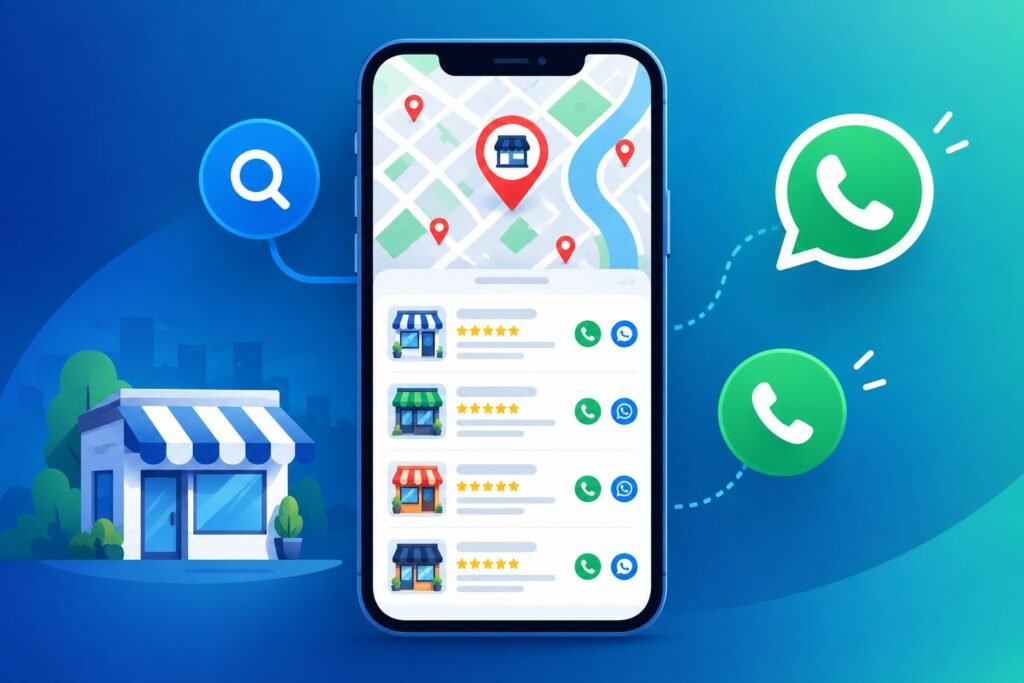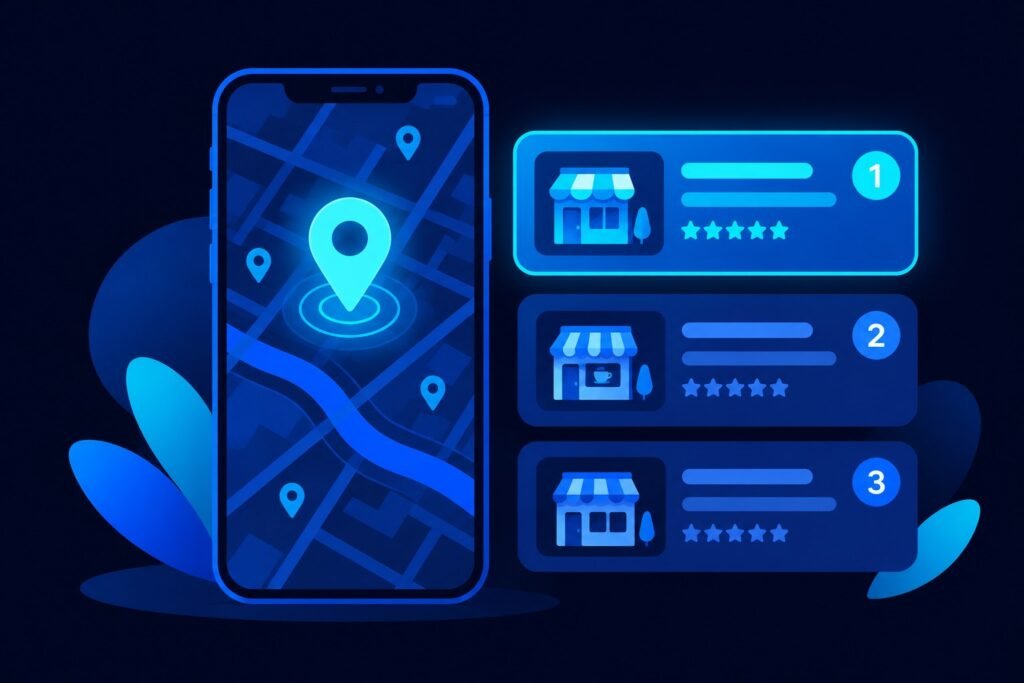
Someone in your city types “dentist near me”, “gym near me” or “interior designer near me”. Google shows a map with three businesses and a few buttons: call, directions, website. Most people tap one of those three and never scroll further.
The listing that powers those three spots is your Google Business Profile (GBP). It is free, and for most local businesses it is the single most valuable piece of online real estate you can control. This guide explains why “near me” searches matter and gives you a practical checklist to optimize your profile.
Why “near me” searches matter for local businesses
A “near me” search is different from a general search. The person already knows what they want and wants it close by, usually soon. That is high intent. Someone searching “clinic near me” is closer to booking than someone reading an article about clinics.
Google answers these searches mainly with the Map Pack, the group of three local listings shown above the regular results. Your website still matters, but the Map Pack is driven mostly by your Google Business Profile. If your profile is missing, incomplete or neglected, a competitor takes your place.
How Google decides who appears for “near me”
Google has said local results are based on three broad factors:
- Relevance: how well your profile matches what the person searched for.
- Distance: how far your business is from the searcher or the location they named.
- Prominence: how well known your business is, including reviews, mentions and your overall online presence.
You cannot change where a customer is standing, but you can improve relevance and prominence. That is what GBP optimization is about.
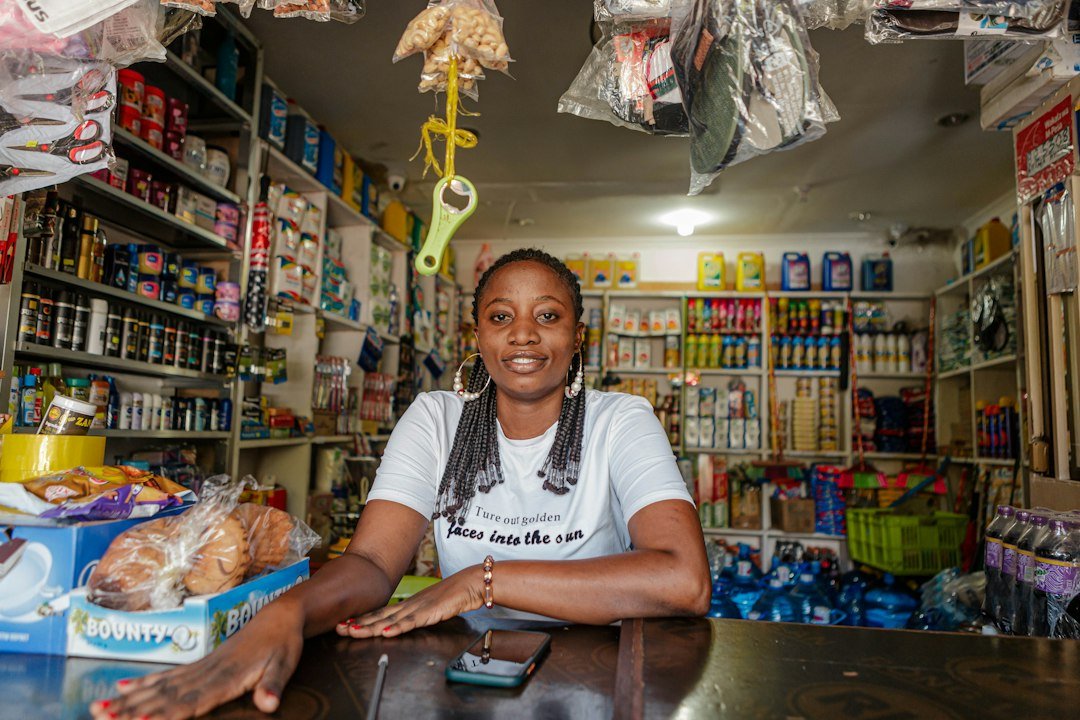
A 9-step Google Business Profile optimization checklist
1. Claim and verify your profile
Search for your business name on Google Maps. If a profile exists, claim it. If not, create one. Complete verification, since an unverified profile has limited visibility and control.
2. Choose the right primary category
Your primary category is one of the strongest relevance signals. Pick the most specific option, such as “Dentist” or “Cosmetic dentist” rather than a vague “Health”. Add secondary categories only where they truly describe what you do.
3. Keep your name, address and phone number consistent
Your business name, address and phone number (NAP) should match exactly on your profile, website, social pages and directories. Inconsistent details confuse Google and customers. Use your real business name without stuffing keywords into it, which can get a profile suspended.
4. Write a clear business description
Explain what you offer, who you serve and which area you cover, in plain language. Mention your city or neighbourhood naturally. Write for a person first.
5. List your services and products
Add each service with a short description. This helps Google understand what you offer and helps customers decide before they call.
6. Add real photos regularly
Upload photos of your storefront, team, work and interiors. Real photos build trust faster than stock images. Add new ones regularly so the profile looks active.
7. Collect and answer reviews
Reviews influence both ranking and the decision to contact you. Ask happy customers to review you, share your review link, and reply to every review, positive or negative, politely and specifically. Never buy or fake reviews.
8. Post updates and offers
Use Google Posts for offers, events and news. During festive periods such as Diwali, a timely offer on your profile can catch people who are searching right then.
9. Set accurate hours and add a link to your website
Keep opening hours correct, including holidays. Link to a fast, mobile-friendly website with a clear way to book or enquire. Your profile gets the click, and your website turns it into a customer.
Common mistakes that hurt local rankings
- Leaving the profile unverified or half filled in.
- Adding keywords to the business name.
- Ignoring reviews, especially negative ones.
- Using different phone numbers or addresses across the web.
- Uploading a profile once and never updating it.
No one can guarantee a number one position, because rankings depend on distance, competition and many other factors. What you can do is build a complete, accurate and active profile so you compete well.
How GBP, your website and local SEO work together
Your profile brings people in, but your website and wider local SEO decide how strong your overall presence is. For a deeper look, read our guide on local SEO for Bangalore businesses, and see how patients combine Google, Instagram and websites in how patients choose a clinic in Bangalore.
How LenzoTek helps you win “near me” searches
Optimizing a profile properly takes time, and most business owners are busy running the business. At LenzoTek we handle it for you as part of our SEO services:
- Setup and verification: we create or claim your profile and complete verification.
- Optimization: categories, description, services, photos and accurate details, done properly.
- Reviews and posts: a simple system to collect reviews, plus regular posts and offers.
- Website support: a fast, mobile-friendly website so the clicks from your profile become enquiries.
- Clear reporting: you see the calls, direction requests and visits your profile generates.
Frequently asked questions
Is Google Business Profile free?
Yes. Creating and managing a Google Business Profile costs nothing.
How long does it take to see results?
It varies by competition and how complete your profile is today. Many businesses see more profile activity within weeks of fixing the basics, but ranking improvements are gradual and not guaranteed.
Do I need a website if I have a Google Business Profile?
You can start with a profile alone, but a good website gives customers more confidence and supports your local SEO.
Can I manage the profile myself?
Yes, the basics are manageable. Many owners hand it to an agency to keep it consistent while they focus on customers.
Get found when customers search “near me”
If you want more calls and visits from local searches, let us review your Google Business Profile. Contact LenzoTek at info@lenzotek.com or +91 6207613662 for a free profile check.